Free Wavetables for Monomachine & Other Wavetable Synths
MarsMelons has shared a wonderful set of free Wavetable Waves for use with the Elektron Monomachine or just about any other wavetable loading synthesizer. (These will also work inside of the Octatrack among others). You could also use the Evolver Wave Dump utility and dump these to your DSI Evolver! http://daz.korgforums.com/evo_wave_dump.php.For virtual instruments these will also work with VSTis such as Absynth, Rapture, etc... Check them out!
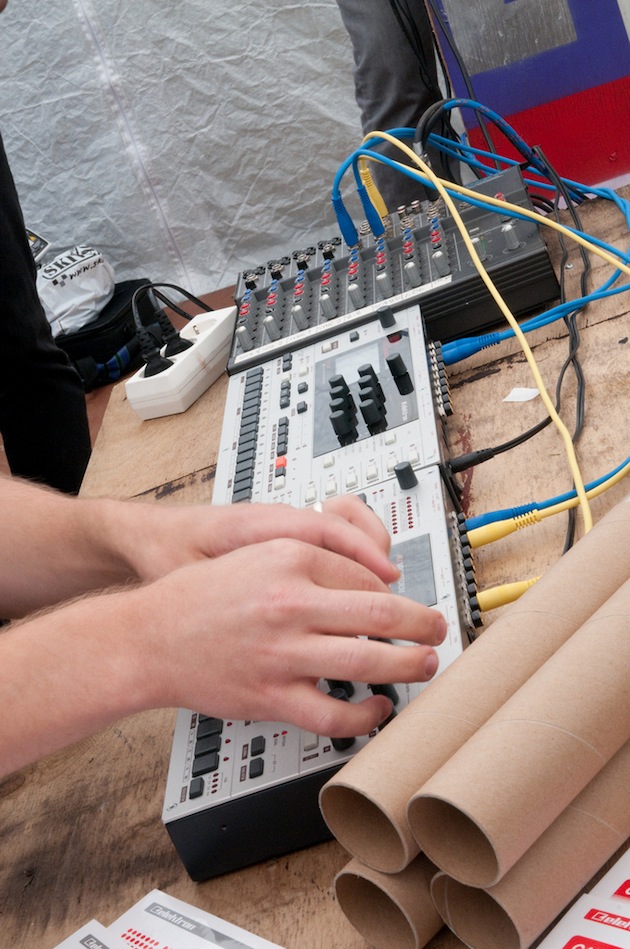
Photo Credit: possan
A set of custom free wavetables, DigiPRO single cycle waveforms for the Elektron Monomachine or for whatever else you want to use them for. Meticulously created by MarsMelons HQ in the wonderful Audio-Term application.
Download Free Wavetables!
Visit the MarsMelons Page:
http://www.marsmelons.com/custom-digipro-waves-pack-elektron-monomachine/
Sound demo, playing a sustained A1 note while scrolling through the waves in the Monomachine;
How To Load These Free Wavetables On The Monomachine
- Download and unzip the waveform-file
- Download and install C6 from Elektron.se
- Open C6, click “configure” and make sure you set the MIDI Out port of your MIDI device
- Connect a MIDI-cable from the MIDI Out port of your MIDI-device to the MIDI-IN port of the Monomachine
- Click “Load” in C6, and load all of the waveforms that you unzipped earlier
- Highlight all the waveforms in C6 and click the “DigiPro”-button inside C6 (this will convert the .wav files to .syx)
- Fire up your Monomachine. Click Function+Global, choose whichever slot you like, scroll down to “File”, select “DigiPro MGR”, select “Receive” and finally select “Org” – the Monomachine will blink “Waiting”.
- Highlight all the files in C6 and click “Send”.
- The Monomachine should now be receiving the .syx files, wait until the 64th file has been received, click Yes (or No, I can’t quite remember) when this is done, the Monomachine will then show a bar loading the waves.
- That’s it. New sounds to play with.