Prophet 2000 Format Disk Trick
If you have a Prophet 2000 with a newer disk drive you may notice that it will not be able to format new disks! This is a known issue with newer models of floppy drives? From the Prophet 2000 yahoo archives they mentioned a few times that physical formatting of disks is not compatible with modern floppy drives. Of course this might not always be the case, but its popped up a few times.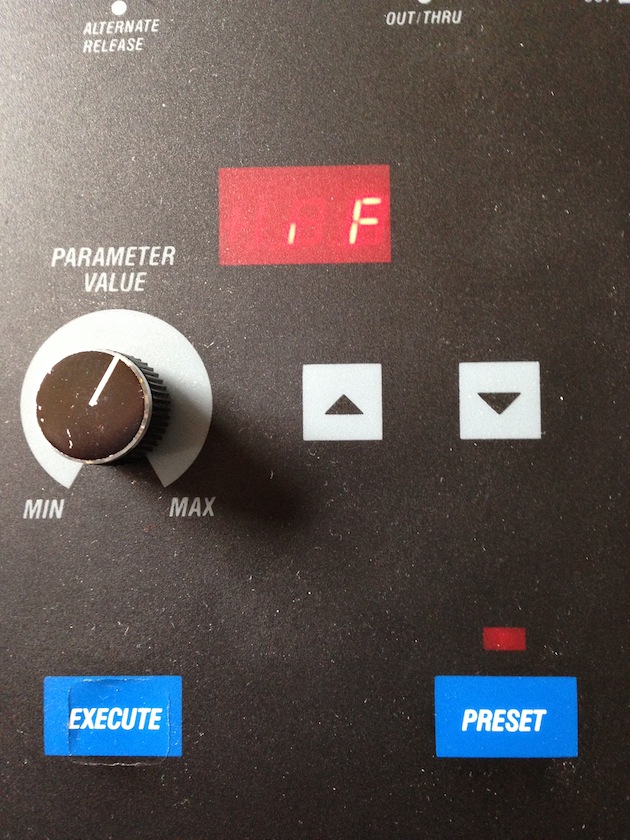
Invalid Format! Seen after attempting to format a new disk, with a newer model Floppy drivee. Ugh...
Easy Solution
Here is the easy solution. To get around this you could also use the wonderful Prophet 2000 Tools here:http://users.skynet.be/emxp/P2K.htm
This utility allows for reading, writing, and formatting from a PC floppy drive. *note that Prophet2000Tools uses the fdrawcmd omniflop driver: http://simonowen.com/fdrawcmd/. You won't be able to use this with USB floppies. Internal floppy drives only! USB floppy drives contain a separate floppy controller chip, which is not directly accessible from the host PC. Without access to that it's simply not possible to support formats beyond what the drive chooses to expose (typically DOS 720K and 1.44M formats only).
If you are stuck with out an internal floppy driver here is the solution I've managed to get working for formatting new Prophet 2000 disks.
The PatchArena Prophet 2000 Format Disk Trick
As luck would have it my friend was visiting and had his MPC2000XL with the original floppy drive. Eureka moment. Popped a fresh disk into the MPC 2000XL and formatted for the akai format. Once the formatting was complete popped the disk straight into the SCI Prophet 2000 and there seems to be enough header data or similar formatting to allow the newer P2000 floppy to format completely.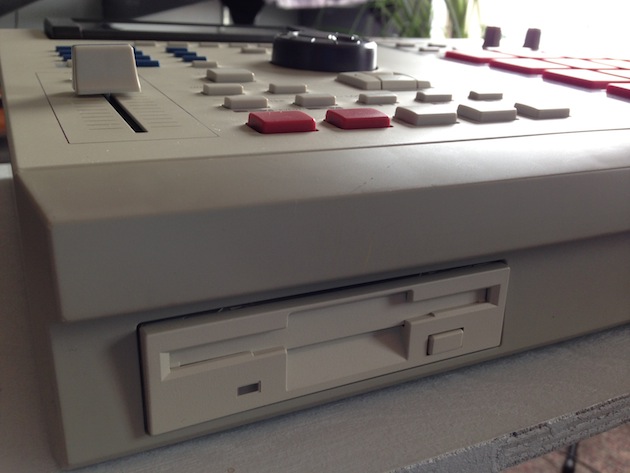 The gorgeous MPC 2000XL. Don't mind the red pads, probably only temporary.
So recap:
STEP 1 - Format a new disk with an MPC 2000XL first
STEP 2 - Then insert into Prophet 2000 to reformat
STEP 3 - Profit
When I get some more time to test I'd be interested if this trick works on other samplers of the same era. Anything with an older floppy drive is worth giving a shot.
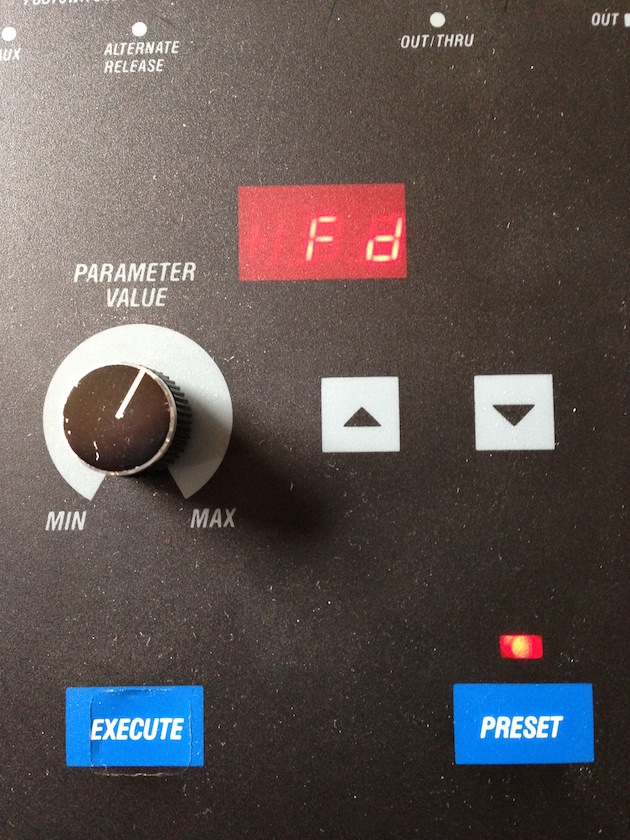
Happy day. Sample on.
SCI Prophet 2000 Disk Display Meanings
Here is a helpful recap of the Disk section from the P2000 manual:Display Meaning
Er Load or Compare error. To continue loading, press EXECUTE. To stop loading, press any other switch.
Pd Protected disk.
nb Not blank.
nd No disk.
nF No format.
IF Invalid format.
nS Not saved.
Format
1. Disk will be erased. Remove write protection (close window).
2. Insert disk into drive.
3. Check that PRESET is on.
4. Switch SAVE on.
5. Use PARAMETER VALUE knob or INC/DEC to set option to "Fd", format disk.
6. Press EXECUTE.